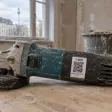
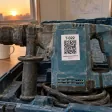
Worker
Sees their tools and returns them with a photo and condition. Takes an available tool themselves by QR code. Can’t see the company catalogue.
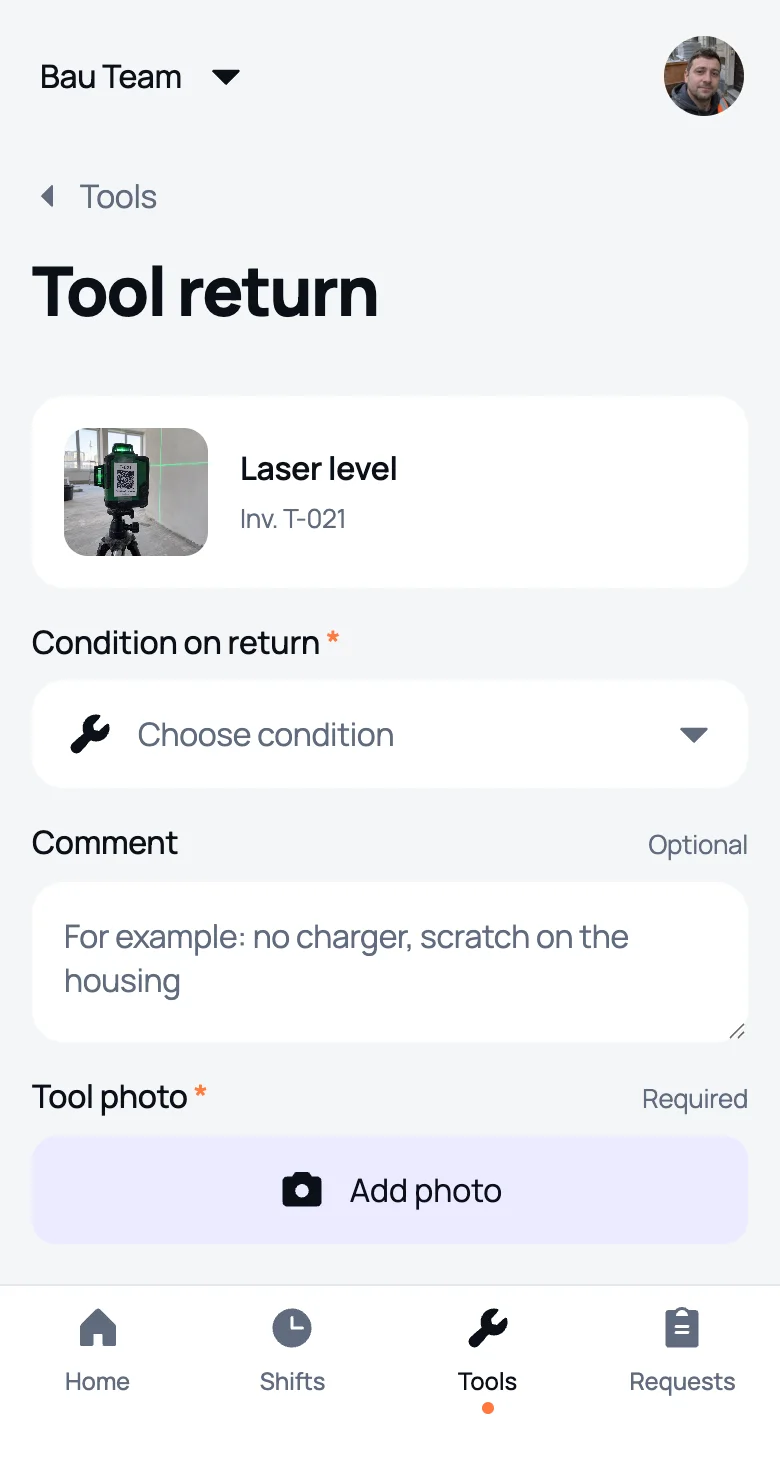
Every tool has its own number and QR code, check‑out and return with a photo. The manager always sees who has what.
Free: 1 site and 1 worker
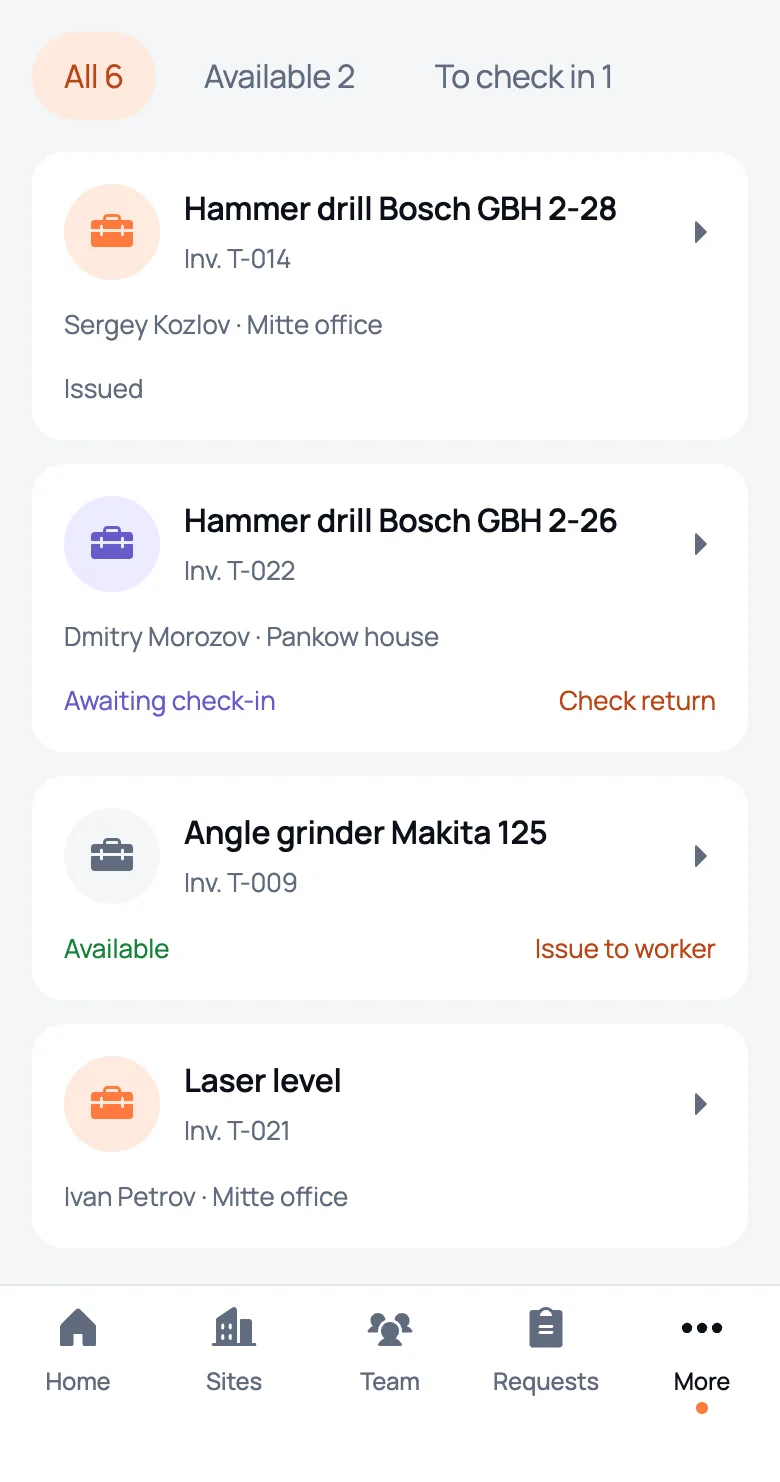
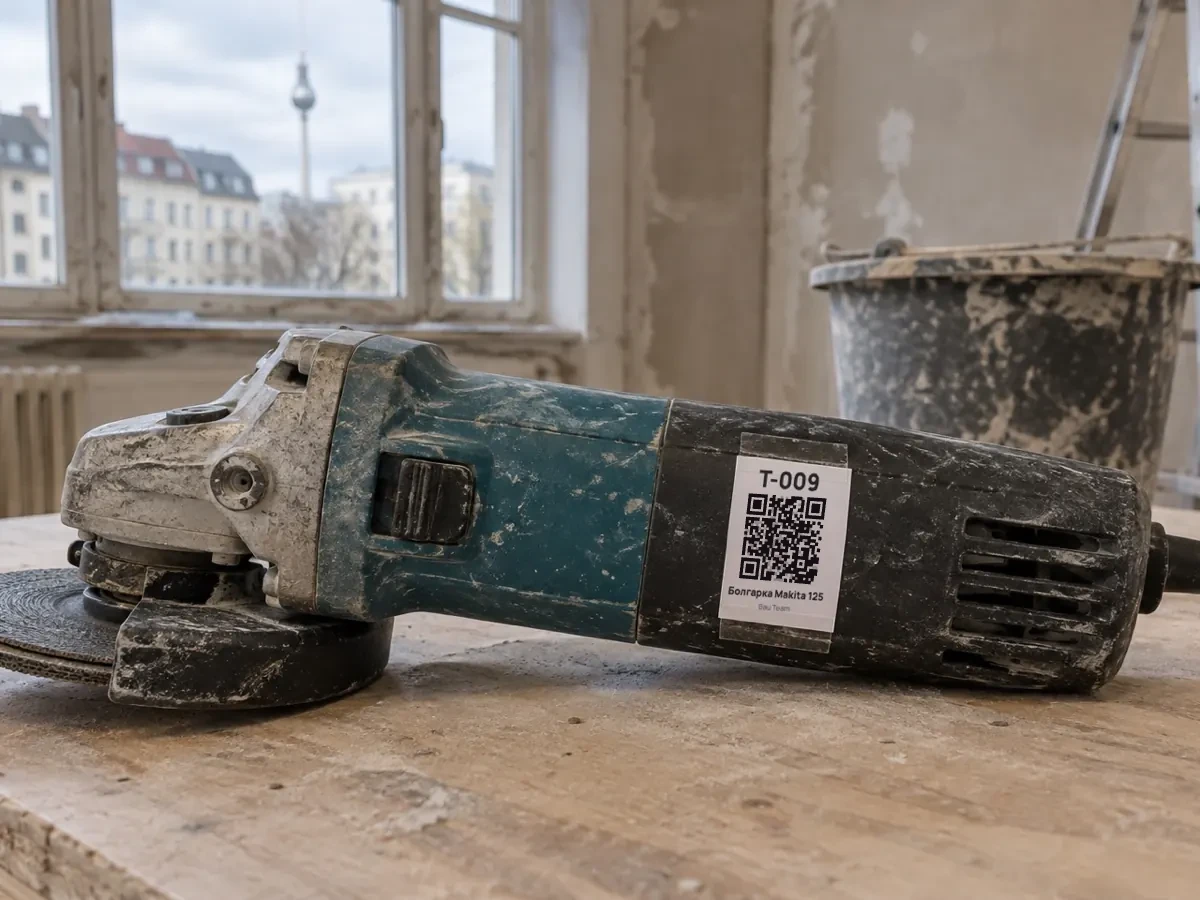
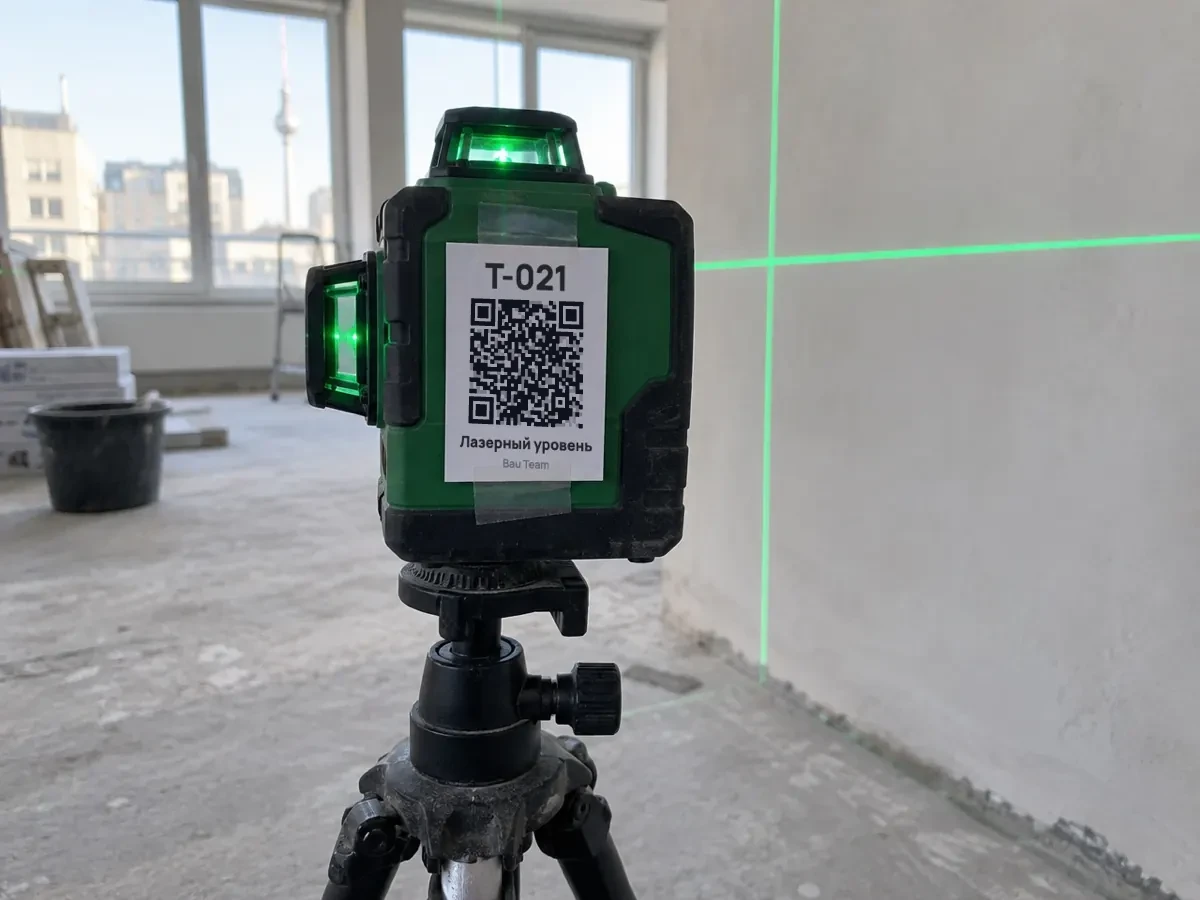
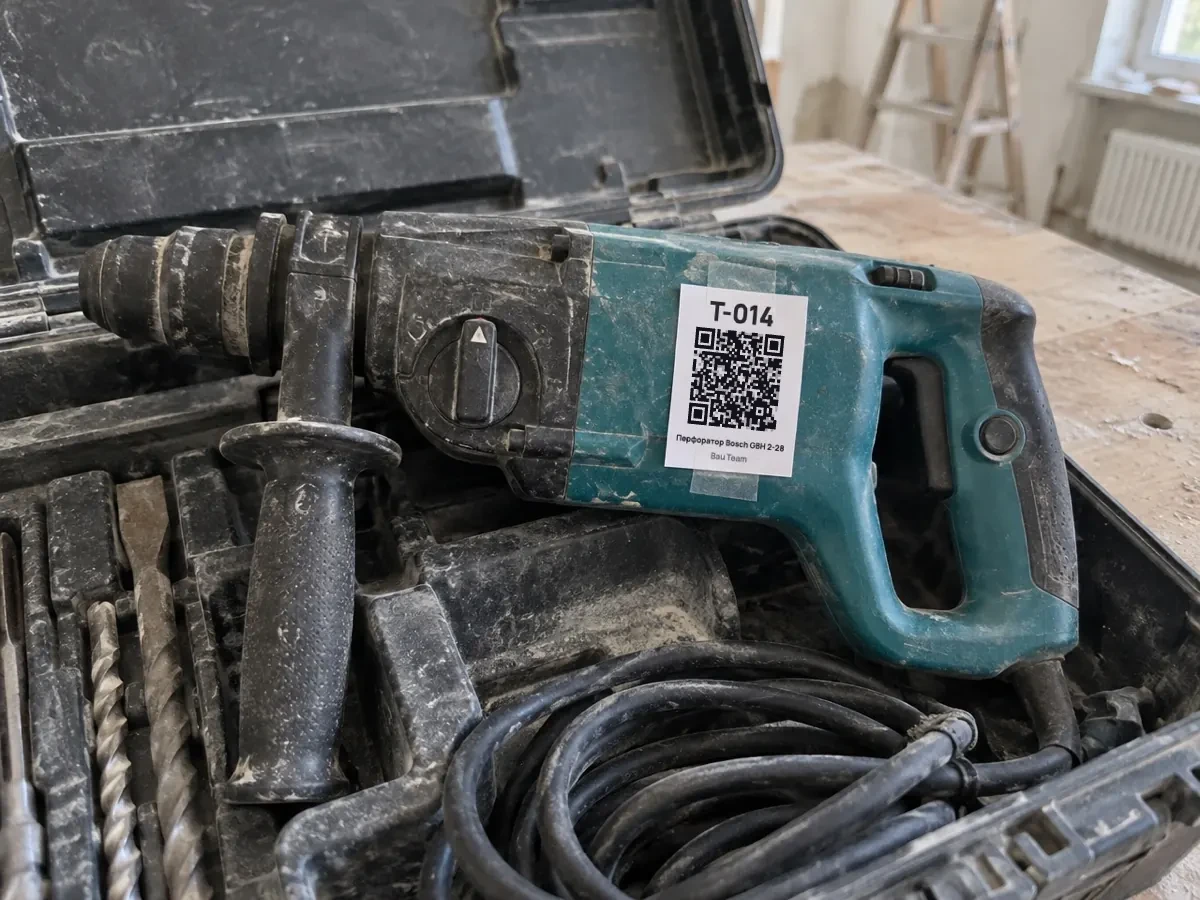
The app assigns the asset number itself: T‑001, T‑002 and on. Identical hammer drills no longer get mixed up.
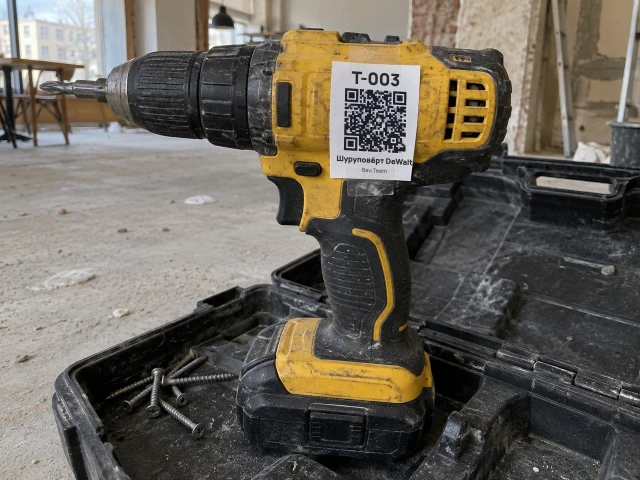
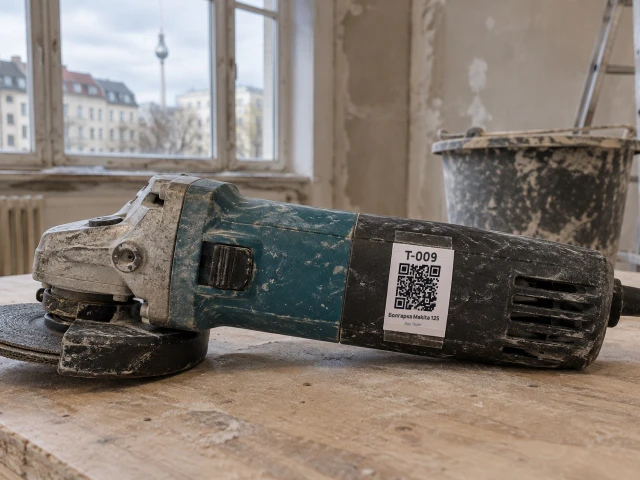
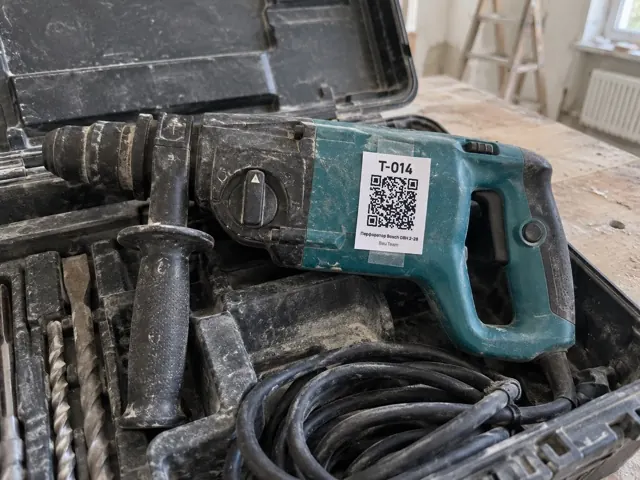
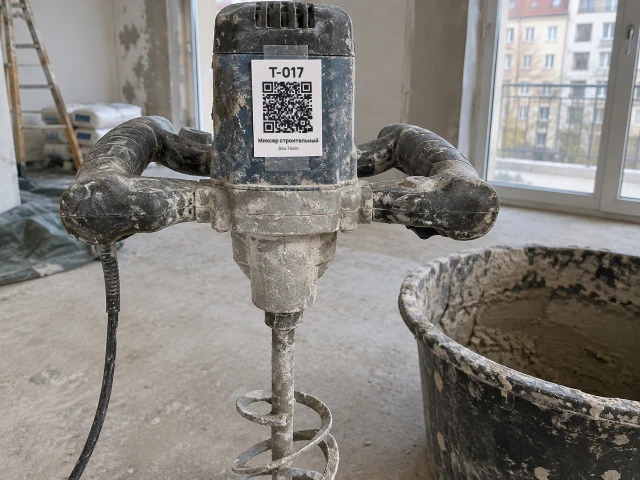
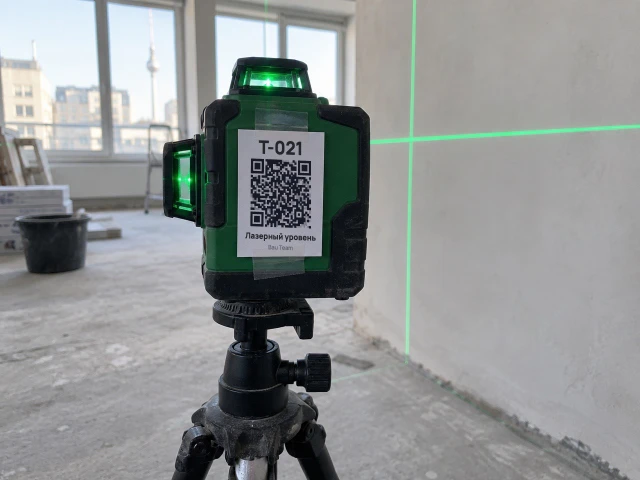
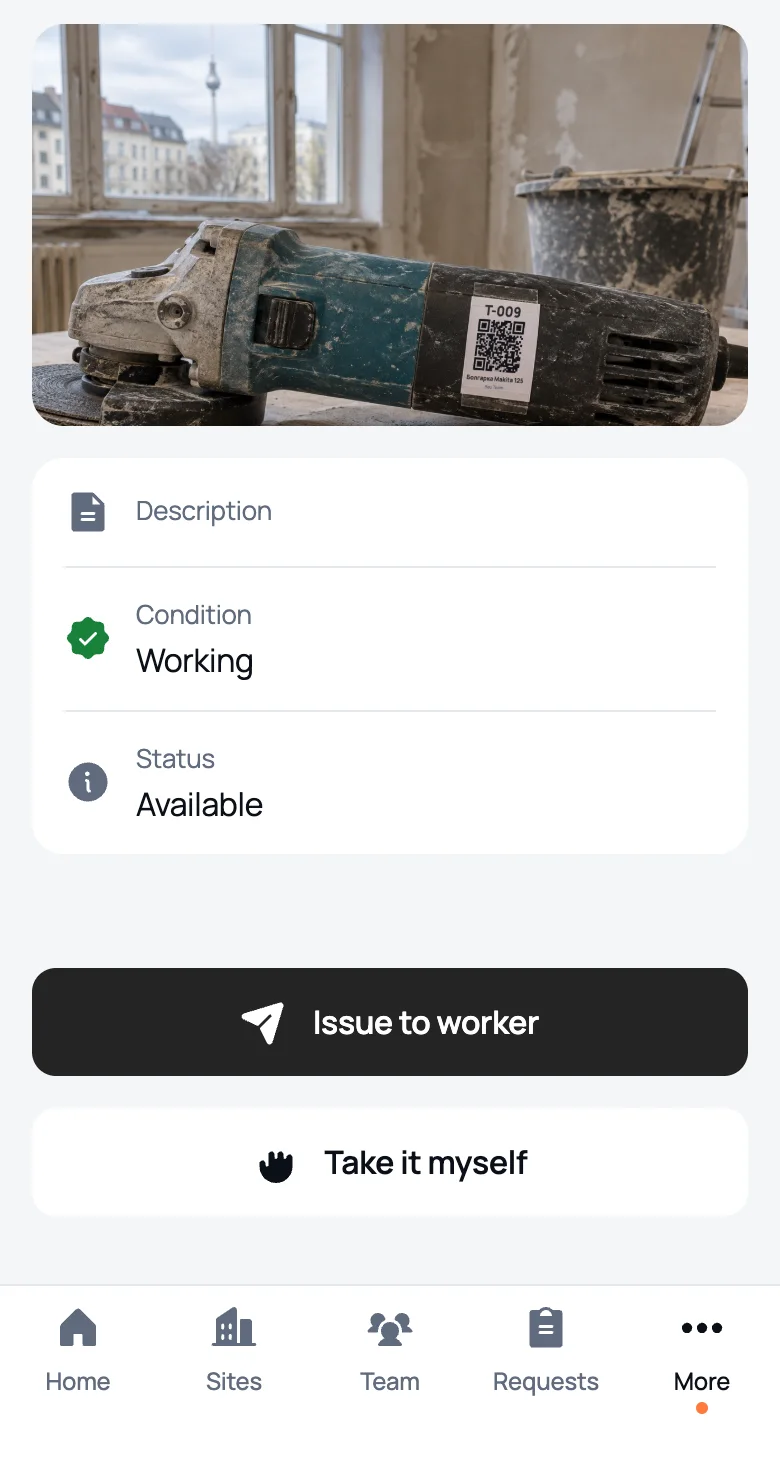
Point the phone camera at it and the tool opens in We Do Bau. Take it, hand it out or return it right on site.
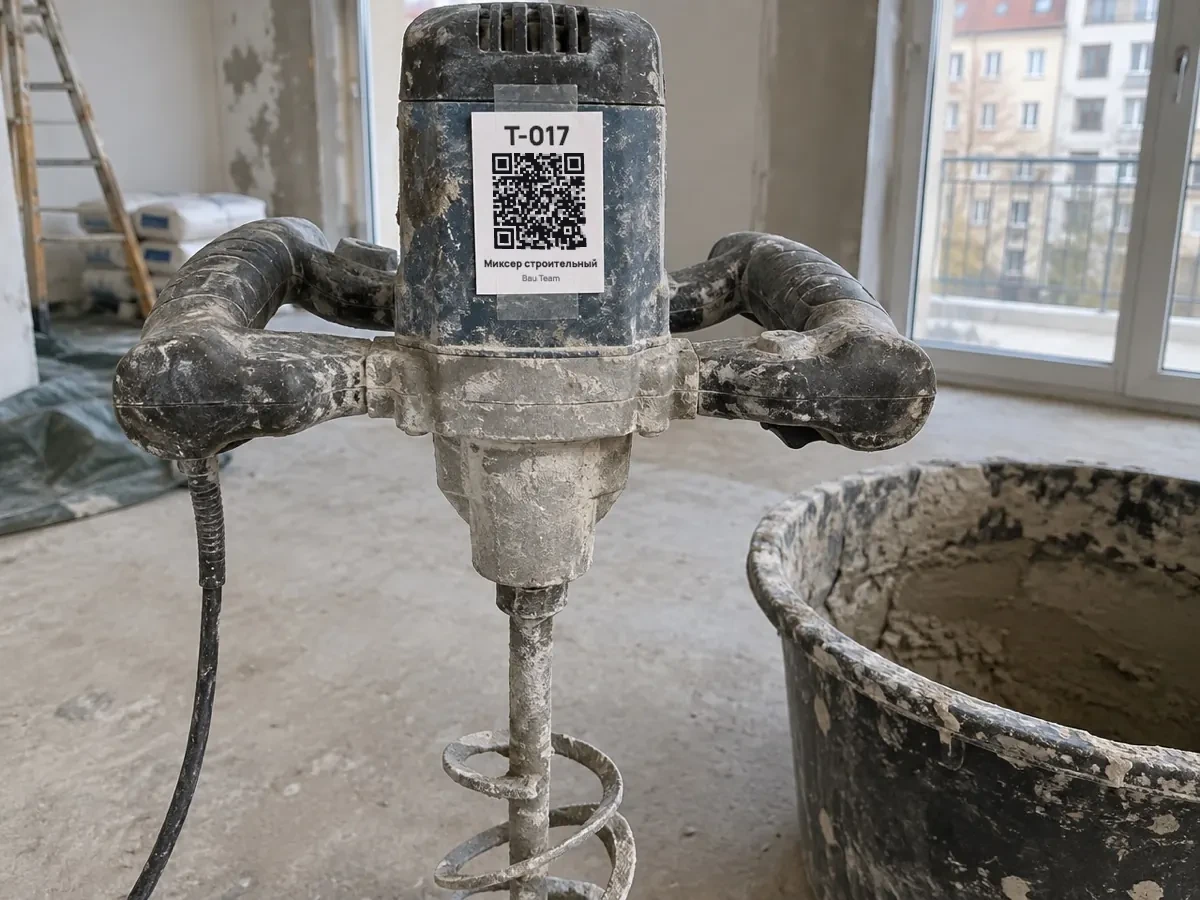
 Ivan Petrovworker scans
Angle grinder Makita 125No. T‑009AvailableThe tool goes on your name right away. Your manager gets a notification.
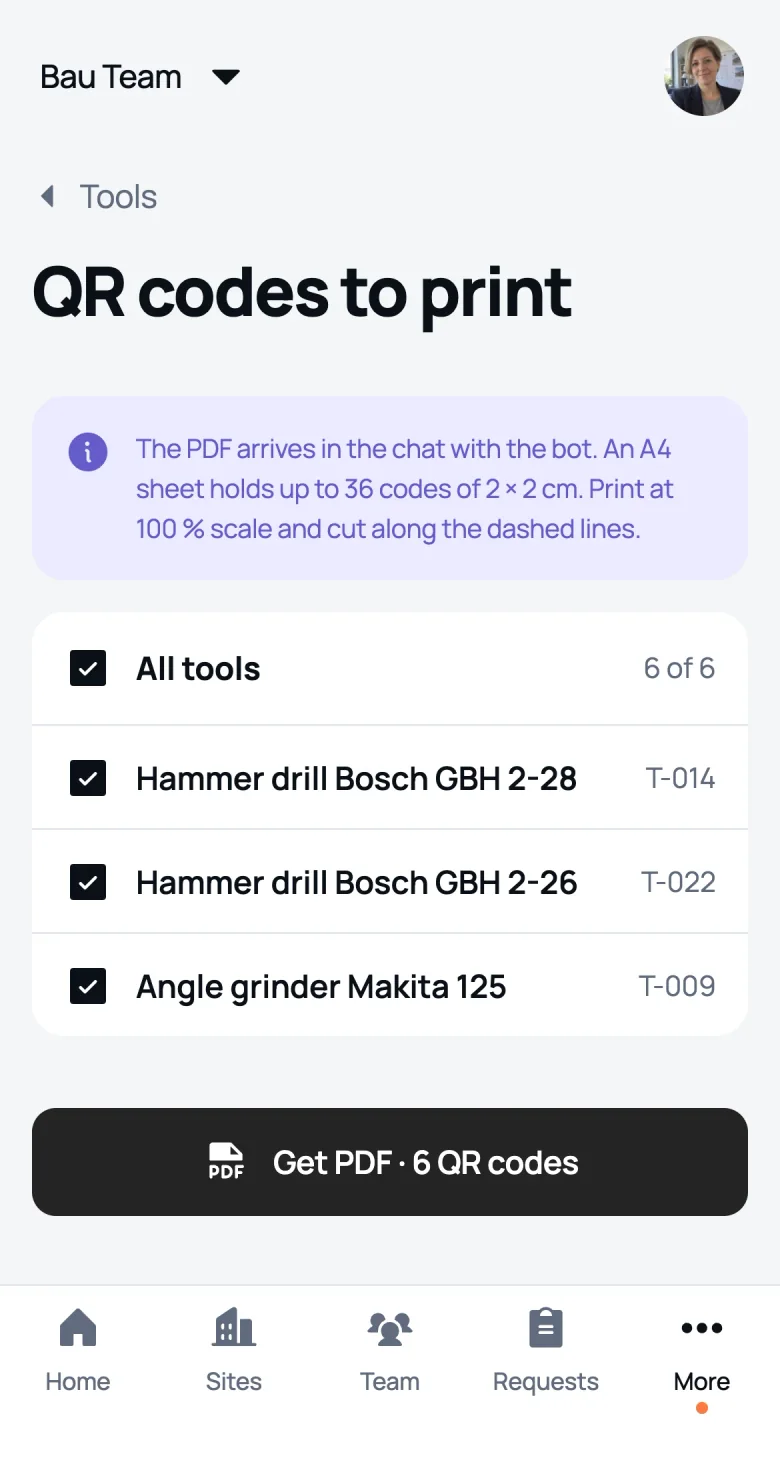
One code as an image in the chat, or all of them on an A4 sheet. Only opens for people in your company.
The worker returns the tool with a photo and its condition. Until the manager confirms, it stays on the worker’s name.
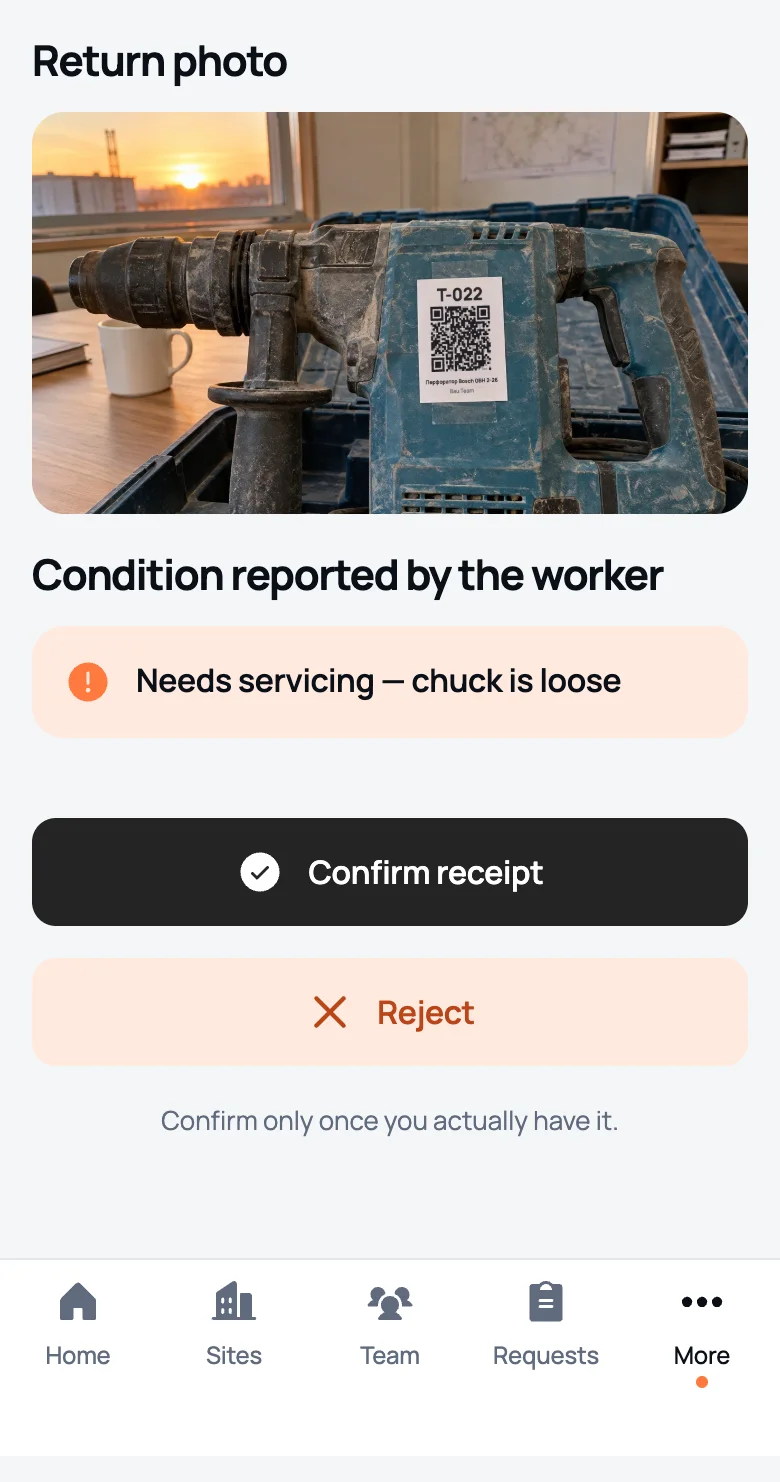
The list is the same for every company, so reports read the same way.
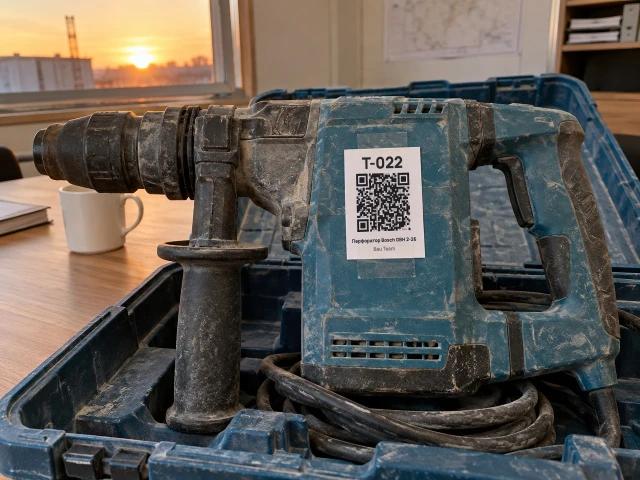
 Dmitry MorozovT‑022 · Pankow house · 17:10
Needs servicingsharpening, cleaning, oiling, consumables
Tool tracking software that knows where the hammer drill is: who has it, on which site and for how many days.
Hammer drill Bosch · T‑014Sergey Kozlov · Mitte office3daysLaser level · T‑021Ivan Petrov · Mitte office6daysDrill driver DeWalt · T‑003Oleg Dorokhov · Kreuzberg café17daysHammer drill Bosch · T‑022Dmitry Morozov · return pending6daysTwo weeks or more without a return: worth asking the worker
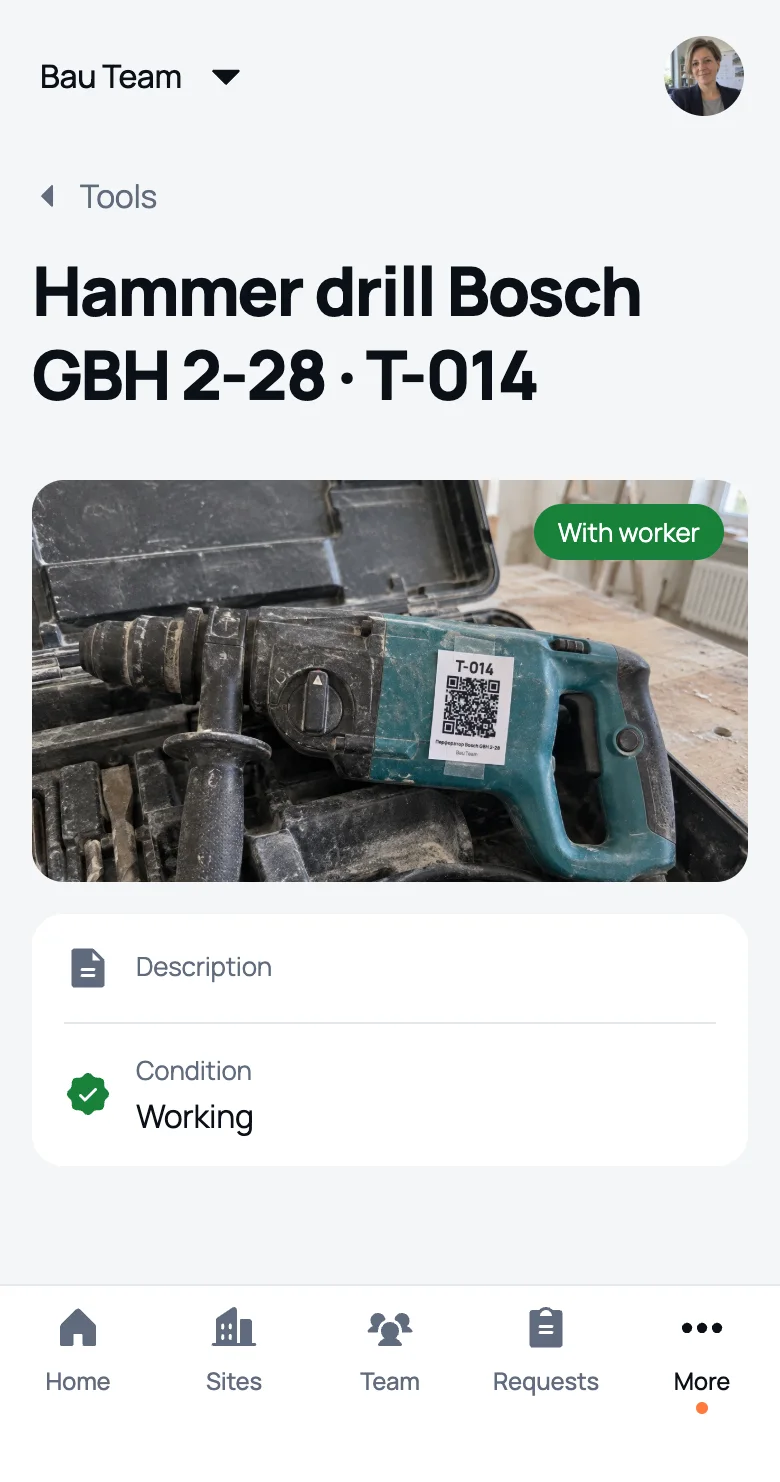
and the app messages you when something changes
A paper tool sign out sheet is never complete. In We Do Bau every check‑out is already recorded, and the log comes in the PDF report.
Sees their tools and returns them with a photo and condition. Takes an available tool themselves by QR code. Can’t see the company catalogue.
Checks tools out on their sites and takes them back. By QR code they can give a tool to a worker or take it themselves.
Adds tools, prints QR codes on A4 sheets, checks tools out across the company, retires them and sees the whole history.
The owner adds a tool with a photo and it gets a number like T‑001. From then on every check‑out and every return is saved in We Do Bau with the date, site and a photo. You can see who holds a tool at any moment, and the check‑out and return log comes in the PDF report.
No. A QR code from an ordinary printer is enough: each tool has its own, with the number above the code. It works without QR too: the number is assigned automatically and you can write it on the housing.
Open a tool and tap “QR code”: the app sends an image to the chat. To print many at once, the owner picks tools under “QR codes to print” and gets a PDF: up to 36 codes on an A4 sheet, each code 2 × 2 cm, printed at 100 %.
That tool opens in We Do Bau. A worker takes an available tool straight away, and the manager gets a Telegram message. A foreman can give it to a worker or take it themselves. Your own tool is returned by scan. The QR code only opens for people in your company.
Open an available tool, pick the worker and, if needed, the site. The worker gets a Telegram message “A tool was checked out to you” right away, and the history gets an entry.
The worker picks the condition from a list, adds a comment if they like and takes a photo. The manager gets a notification and confirms receipt or declines the return with a reason. Until it’s confirmed, the tool stays on the worker’s name.
Yes. The company, site or worker PDF report includes the check‑out and return log: who got the tool, when and at which site, when it came back and how many days it was out. Photos stay in the app, not in the report.
The owner across the whole company and a foreman on their own sites, to the people who work there. Only the owner adds tools and retires them.
The tool stays on their name until the owner confirms it’s back and records its condition. That way tools don’t leave with people.
Free for one site and one worker, for good, with every feature. Bigger crews from €29 a month, the price depends on the number of people, more on the pricing page.